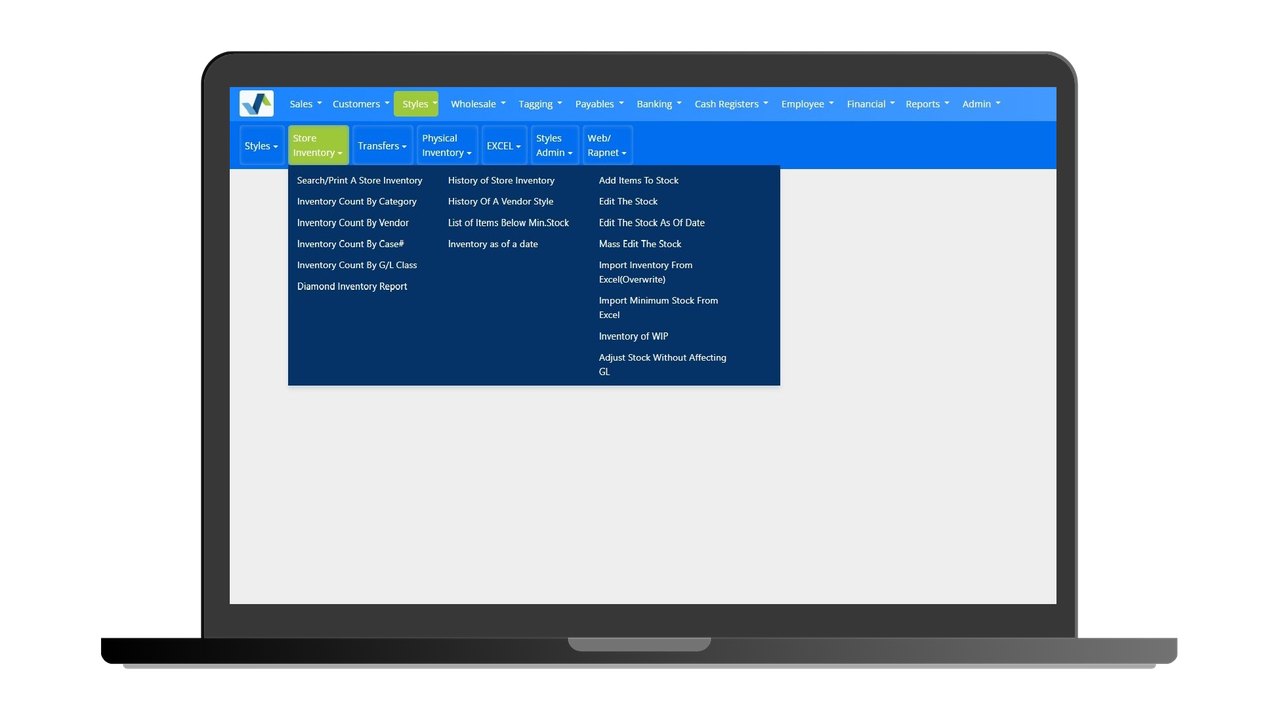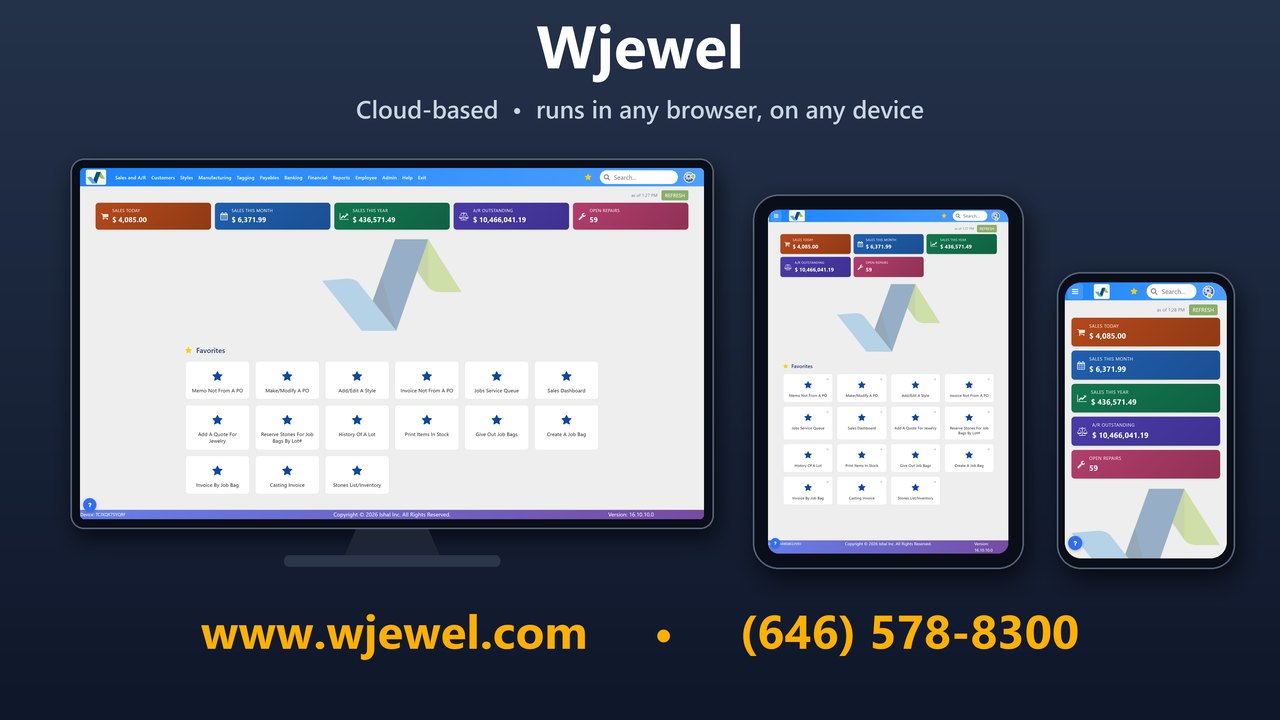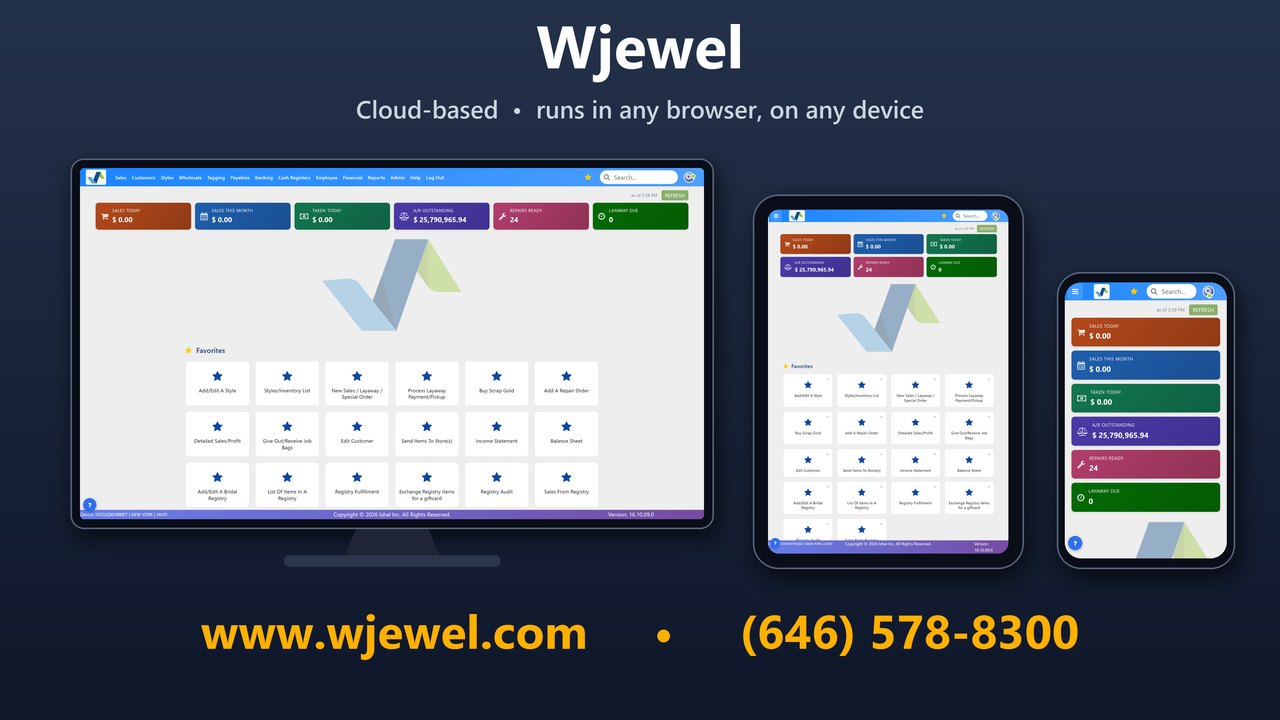
WJewel Jewelry Store Software Demo
12 minutes
The complete tour: POS, layaways, special orders, repairs, scrap gold, CRM, inventory, commissions, built-in accounting and reports, on PC, Mac, iPad and phones.
Watch WJewel Jewelry Store Software DemoSee WJewel jewelry software in action — real walkthroughs of the features jewelers use every day.
12 minutes
The complete tour: POS, layaways, special orders, repairs, scrap gold, CRM, inventory, commissions, built-in accounting and reports, on PC, Mac, iPad and phones.
Watch WJewel Jewelry Store Software Demo8 minutes
Full walkthrough of the WJewel jewelry retail POS: checkout, inventory, CRM, repairs, and reporting.
Watch WJewel Retail POS Software Demo14 minutes
The complete wholesale tour: styles with a bill of materials, diamond lots, quotes and sales orders, memos, salesrep inventory, vendor POs and job bags, statements, accounting and reports.
Watch WJewel Jewelry Wholesale & Manufacturing Demo3 minutes
Step-by-step: creating a new jewelry style in WJewel inventory with metal, stone, weight, and pricing attributes.
Watch How to Add New Styles to Inventory3 minutes
Walkthrough of the WJewel jewelry repairs module: intake, status tracking, customer notifications, and pickup.
Watch How Repairs Work in WJewel2 minutes
Learn how to ring up a sale and generate a receipt in WJewel POS, including tax, payment, and print options.
Watch How to Create a Sales Receipt1 minute
Customize your WJewel menu by pinning the screens you use most for faster daily operations.
Watch How to Create Favorite Menu Options5 minutes
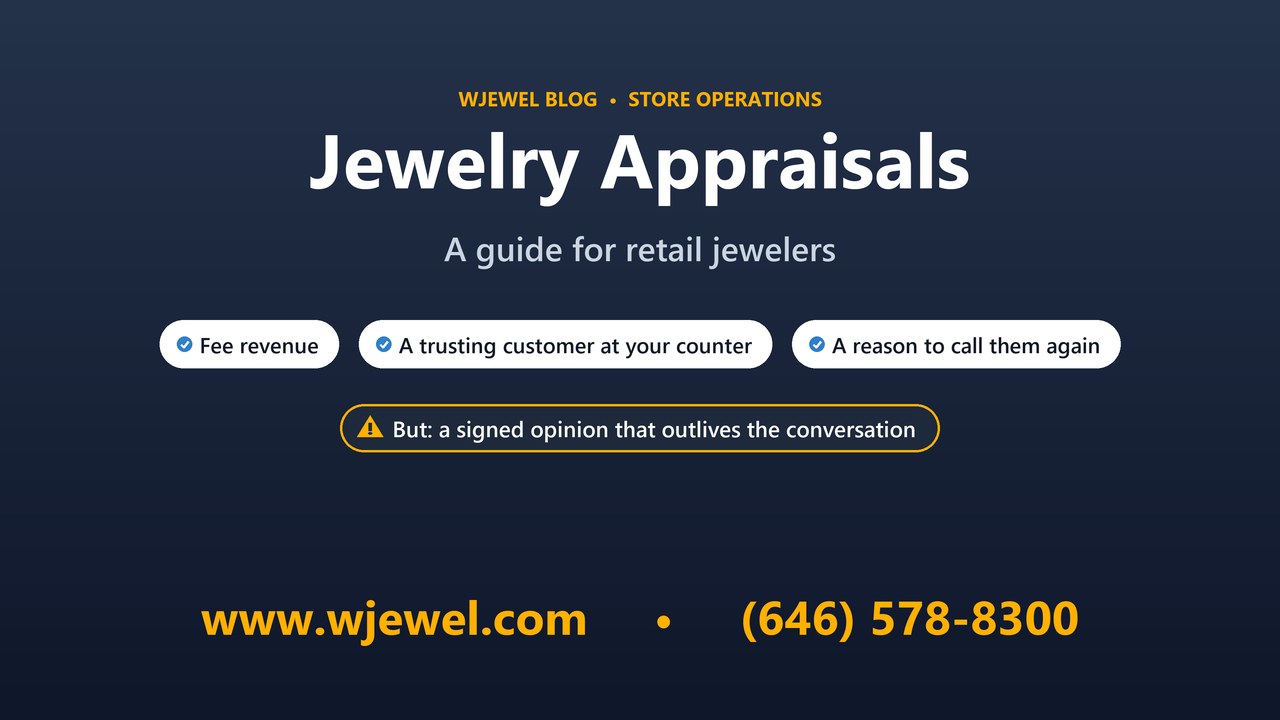
Which value an appraisal states, what belongs on the document, credentials, fees, intake and re-appraisal reminders, and how WJewel handles appraisals.
Watch Jewelry Appraisals: A Guide for Retail Jewelers3 minutes
What jewelry e-commerce demands, Shopify, Adobe Commerce (Magento), BigCommerce and WooCommerce compared, what really predicts success, and a decision shortcut.
Watch Best Platforms for Jewelry E-commerce: A Jeweler's Comparison4 minutes
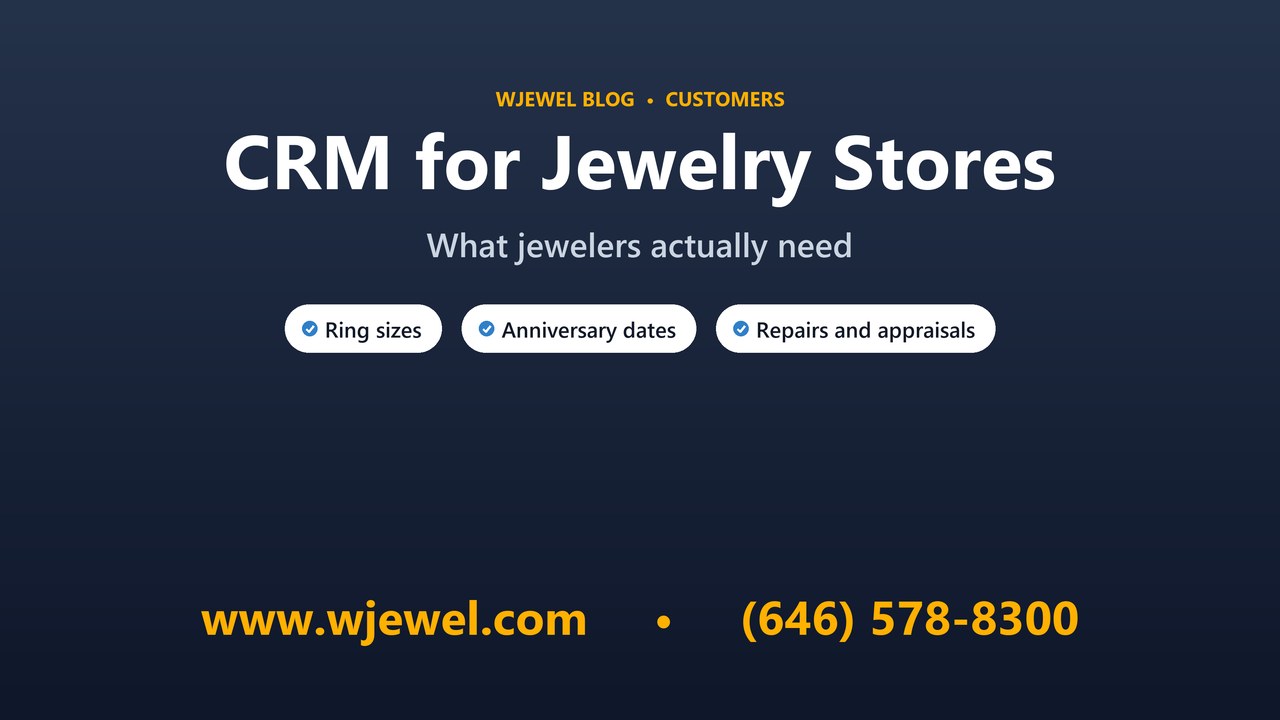
Why jewelry needs its own CRM, the customer data worth tracking, the features that matter, where off-the-shelf CRMs fall short, and the CRM in WJewel.
Watch CRM for Jewelry Stores: What Jewelers Actually Need4 minutes
Why retention matters more in jewelry, eight tactics that work, the customer data you need, the metrics to track, and retention in WJewel.
Watch Customer Retention for Jewelers: What Actually Works4 minutes
Twelve digital marketing ideas for an independent jeweler - social, influencers, email, content, local SEO, ads, video, reviews, loyalty, e-commerce, partners - and how to measure them.
Watch Digital Marketing Ideas for a Jewelry Store3 minutes
Signs it's time to switch, what data to migrate, the switch step by step, avoiding downtime, protecting your history, and how the move to WJewel works.
Watch How to Switch Jewelry POS Systems Without Losing Data3 minutes
Ask AI answers questions about your store in plain English from your live WJewel data: asking, following up, what it notices, common questions, and privacy.
Watch Introducing Ask AI: The Built-In AI Assistant in WJewel4 minutes
Core principles, a counting cadence, the tools, what to do with aging stock, the common mistakes, and inventory in WJewel.
Watch Jewelry Inventory Management: The Complete Guide4 minutes
How a layaway plan works, deposit and payment-plan best practices, default and refund policies, layaway vs financing, and layaway in WJewel.
Watch Jewelry Layaway: How It Works and How to Manage It4 minutes
The order types a jewelry OMS must handle, what every order should record, deposits and balances, where orders go wrong, and special orders in WJewel.
Watch Jewelry Order Management System3 minutes
The features a jewelry POS needs, security, hardware, cloud vs on-premise, integrations, support, scalability, cost, and trials, with a look at WJewel.
Watch Jewelry POS Buyer's Guide: How to Choose the Right System3 minutes
The opening checklist, the selling floor, the closing checklist, the weekly rhythm, a worked example of what the routine catches, and the routine in WJewel.
Watch Jewelry Store Daily Operations Checklist4 minutes
The five KPIs to start with, inventory turn, GMROI, sell-through and aging, sales-floor, customer and operations numbers, how often to look, and reports in WJewel.
Watch Jewelry Store KPIs: The Numbers That Run the Store3 minutes
Why lab-grown and natural diamonds can't share an inventory line, what to track per stone, the pricing trap, disclosure, reports by origin, and diamonds in WJewel.
Watch Lab-Grown vs Natural Diamond Inventory Management4 minutes
What makes jewelry staff different, hiring, 30-60-90 day training, scheduling, commission plans, monthly numbers, accountability, clienteling, and staff tools in WJewel.
Watch Managing Employees in a Jewelry Store: An Owner's Guide4 minutes
Ten new WJewel features: text-to-pay links, a customer portal, Ask AI, any-device browser access, phone barcode scanning, bank downloads, scheduled tasks, forecasting, Stuller and the API.
Watch New in WJewel: Payment Links, a Customer Portal, Phone Scanning and More4 minutes
Why jewelry payments are different, every tender a register sees, reading a rate sheet, reducing chargebacks, surcharging, monthly checks, and payments in WJewel.
Watch Payment Processing for Jewelry Stores4 minutes
The three kinds of jewelry theft, how a voided ticket hides one, the tech stack that prevents theft, morning reports, what software does after a grab, and daily habits.
Watch Preventing Jewelry Theft With Technology3 minutes
What real-time means, why jewelers need it most, the building blocks, how RFID powers it, where it breaks, and real-time inventory in WJewel.
Watch Real-Time Inventory Tracking for Jewelry Stores3 minutes
Barcode and RFID strengths and limits, a head-to-head comparison, why most jewelers choose a hybrid, where the ROI shows up, and rolling out RFID.
Watch RFID vs Barcode for Jewelry: An Honest Comparison3 minutes
The strengths and costs of selling jewelry online and in-store, comparing channels on contribution, why one inventory and one customer record matter, tactics, and channel reporting.
Watch Selling Jewelry Online vs In-Store: The Strategy Guide3 minutes
Local SEO, product structured data, content, technical basics and measurement for jewelry stores, and the product data WJewel keeps right.
Watch SEO for Jewelry Stores3 minutes
What cloud and desktop POS mean, where each wins, the jewelry-specific lens, five-year total cost of ownership, and a decision shortcut.
Watch Cloud vs Desktop Jewelry POS: Which Is Right for Your Store?4 minutes
Choosing the kind of site, the platform, photography, product data, jewelry-specific details, POS integration and a launch checklist for a jewelry website.
Watch How to Build a Jewelry Website That Actually Sells4 minutes
The seven disciplines of running a jewelry store - inventory, staff, repairs, clienteling, finance, loss prevention and an operating rhythm - and how WJewel ties them together.
Watch How to Run a Jewelry Store: An Owner's Guide4 minutes
Seven levers that grow jewelry store sales without more foot traffic: known customers, clienteling, financing, repair conversion, aging inventory, the website and associate measurement.
Watch How to Increase Jewelry Store Sales: The Playbook3 minutes
Why jewelry audits are different, how often to count, a ten-step audit checklist, RFID vs barcode for audits, common mistakes, and audits in WJewel.
Watch Jewelry Inventory Audit Best Practices: Step by Step3 minutes
What a modern repair workflow needs, why a notebook fails, customer communication, the repair reports owners use, and repairs in WJewel.
Watch Jewelry Repair Tracking Software: From Intake to Pickup5 minutes
A nine-step holiday checklist for jewelry stores - forecasting the buy, inventory, layaway, repair cutoffs, staffing, customers, online, the floor and measurement - plus a month-by-month timeline.
Watch Jewelry Store Holiday Season Checklist3 minutes
Memo vs consignment, why stores lose money on memo, what proper tracking looks like, the year-end accounting, the reports owners use, and memo in WJewel.
Watch Memo and Consignment Tracking for Jewelry Stores3 minutes
What a real QuickBooks integration posts, what should sync, why generic integrations fail jewelers, setup, benefits, and accounting in WJewel.
Watch QuickBooks Integration for Jewelry Software3 minutes
Why jewelry on Shopify is harder than it looks, the POS as the source of truth, what to prepare before connecting, best practices after launch, and Shopify in WJewel.
Watch Shopify Integration for Jewelers3 minutes
What makes jewelry wholesale different, what wholesale software must do, a worked memo example, red flags on a demo, what to ask, and WJewel for wholesalers.
Watch Software for Jewelry Wholesalers: The Buyer's Guide4 minutes
What EDI is, the X12 documents jewelry vendors deal with, where chargebacks come from, jewelry-specific issues, a setup roadmap, costs and timelines, and EDI in WJewel.
Watch EDI for the Jewelry Business3 minutes
What jewelry manufacturing software manages, the modules a manufacturer needs, the hidden cost of spreadsheets, how a job runs in WJewel, and best practices.
Watch Jewelry Manufacturing Software Guide3 minutes
How salesman (memo) inventory works, the challenges wholesalers face, what the software should do, the workflow in WJewel, and best practices for memo on the road.
Watch Salesman Inventory Management for Jewelry Wholesalers3 minutes
The carriers jewelers use, what a complete shipping integration includes, why copying into carrier websites is a liability, the shipping workflow in WJewel, and safe-shipping practices.
Watch Shipping Integration for Jewelry Businesses1 minute
A one-minute introduction to the WJewel self check-in tablet: the repair-counter problems it solves, a second screen for the customer, and its four check-in choices.
Watch Self Check-In Tablet for Jewelry Stores1 minute
A one-minute look at the WJewel customer portal for jewelry stores: sign-in by emailed code, the account summary, layaways, repairs, appraisals, copies by email and paying online.
Watch Customer Portal for Jewelry Stores1 minute
A one-minute look at the WJewel customer portal for wholesalers and manufacturers: sign-in by emailed code, the account summary, the statement, memo status, PO status and paying online.
Watch Customer Portal for Jewelry WholesalersPublished: · Last updated: